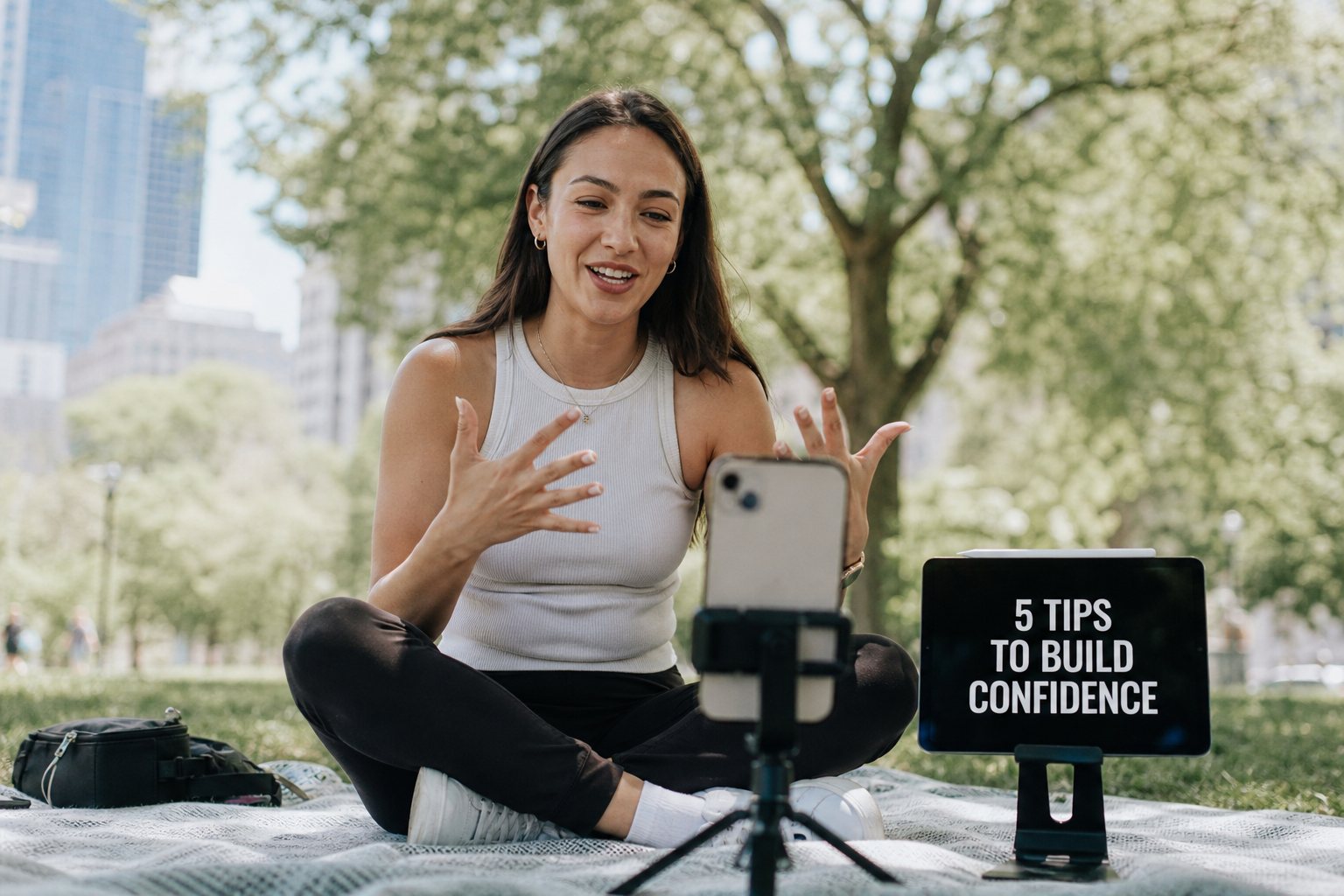
Wherever you have to say it right
Read your own script cleanly when it counts, without cue cards in your hand or a second take because you dropped a line.



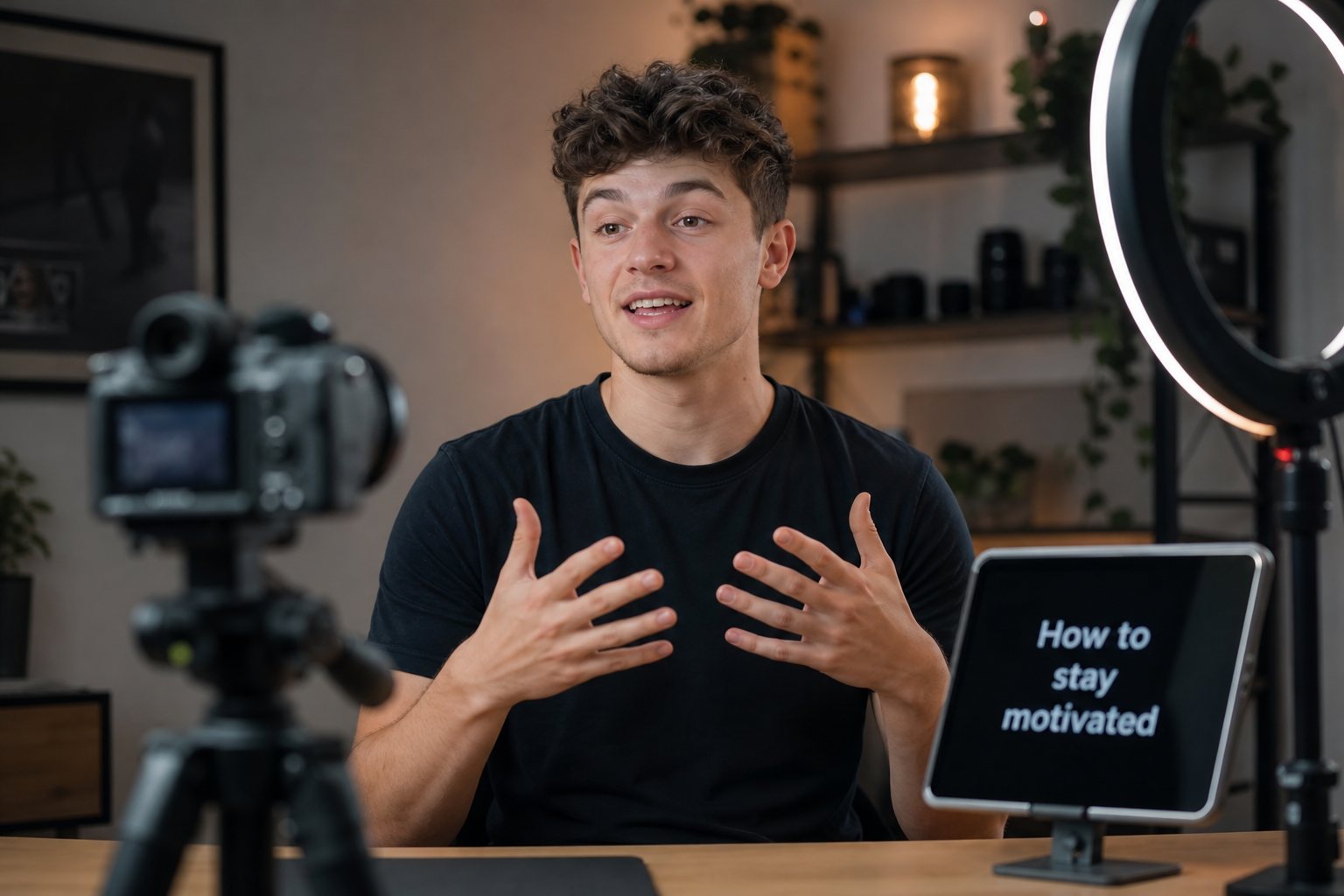
Up and rolling in under a minute
There is nothing to learn. If you can scroll a document, you can run a teleprompter.
Get your script in
Paste it, or import it straight from a Word doc, PDF, text, or markdown file. You don't have to email it to yourself or run it through another app first.
Dial in your read
Set the scroll pace and text size before you start. Turn the countdown on or off, add a beep at the top, or flip to mirror mode for glass rigs.
Roll and talk
Tap start, get a 3-2-1 countdown, and read. One tap anywhere pauses, and the controls are there when you need them.
Built for the way you actually work
Every one of these came out of a real shoot where something didn't work the first time.
Your library, synced
Scripts save to your account, not one device. Sign in on the iPad in the studio or the iPhone on location and everything is there.
Private by default
Your account is yours. Nobody else sees your scripts, and nobody's scripts show up in your library.
Imports the formats you have
Word documents, PDFs, text and markdown files load straight from the Files app or your desktop.
Made for iPad and iPhone
Fullscreen reading tuned for Safari, with the notch and home bar handled. Add it to your Home Screen and it launches like a native app.
Pace and size controls
Fine scroll control and text that's readable at lectern distance. You can adjust both while it rolls.
Keeps working mid-roll
Once your script is loaded, reading doesn't need the network. The venue wifi doesn't matter.
Take the memorizing out of it
Create an account, drop in your first script, and you'll know in a minute whether it fits how you work.